ITBD
https://bmainn.blogspot.com/2021/12/how-to-add-messenger-button-on-your.html
How to Add a Messenger Button on Your Website
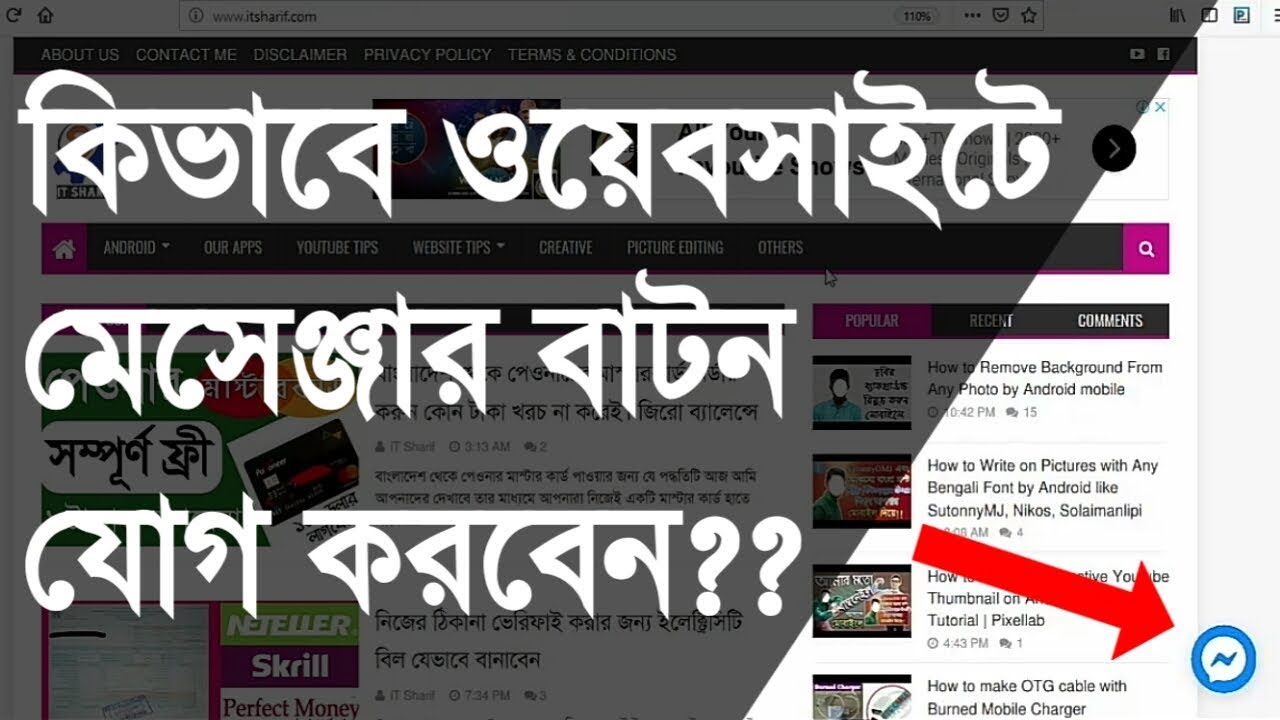
Sometimes we can see a messenger button on the website. But we don't know that how to add this button to the website. Actually, it is linked with a Facebook page. So let's go to see that how to do that...
1st Step
To set up this button follow the steps...
- At first, log in to your Facebook account and go to your page. Now see that a Setting button on the top-right side of the homepage of your page.
- Now click on it, see that so many options are there. Now click on Messenger Platform. Then click on Customer Chat Plugin.
- Now Click on Jump to Section and click on Setup Button.
- Now see that a new window showing on your screen and click on Next Button.
- Now set up the welcome text like "Hi, How can I help you?" or as you like, then click the Next button.
- Now, set up the color of the messenger icon and click on Next Button.
- Now click on the code to copy this.
2nd Step
- Now go to your Blogger website or your website index file and pest this code after <head> code.
- Now edit this code from attribution=setup tool to attribution="setup tool"
- Now save it and go to your site and refresh it.
- Now that a Messenger button has been added to your website.
That's it, Thanks for reading my post. If you have any problem just watch the video below.

0 Comments
দয়া করে নীতিমালা মেনে মন্তব্য করুন